Find a page
 GitHub
Design

description: Welcome to Acinguiux DS. If you're just starting out designing with Acinguiux DS, you're in the right place. Here’s a checklist of everything you need to get started.
Getting started with Figma
Our primary design tool at Acinguiux is Figma. For teams that require design access to Figma, please raise a request via ServiceNow. For any other questions please check out our FAQs.
Join Acinguiux DS in Figma
- In the left hand menu, select Acinguiux which will take you to the Acinguiux organisation page.
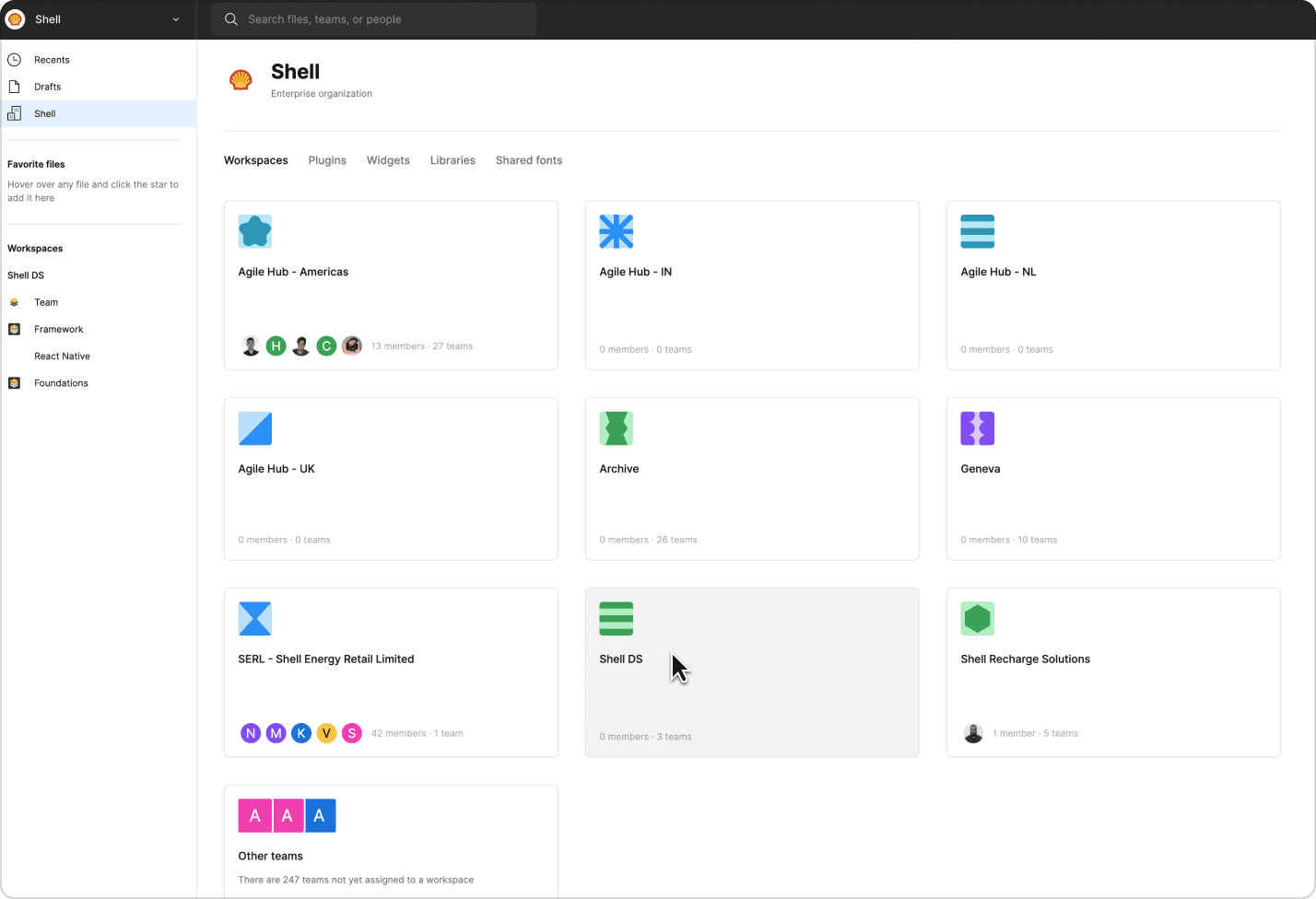
- In the workspace area select Acinguiux DS.
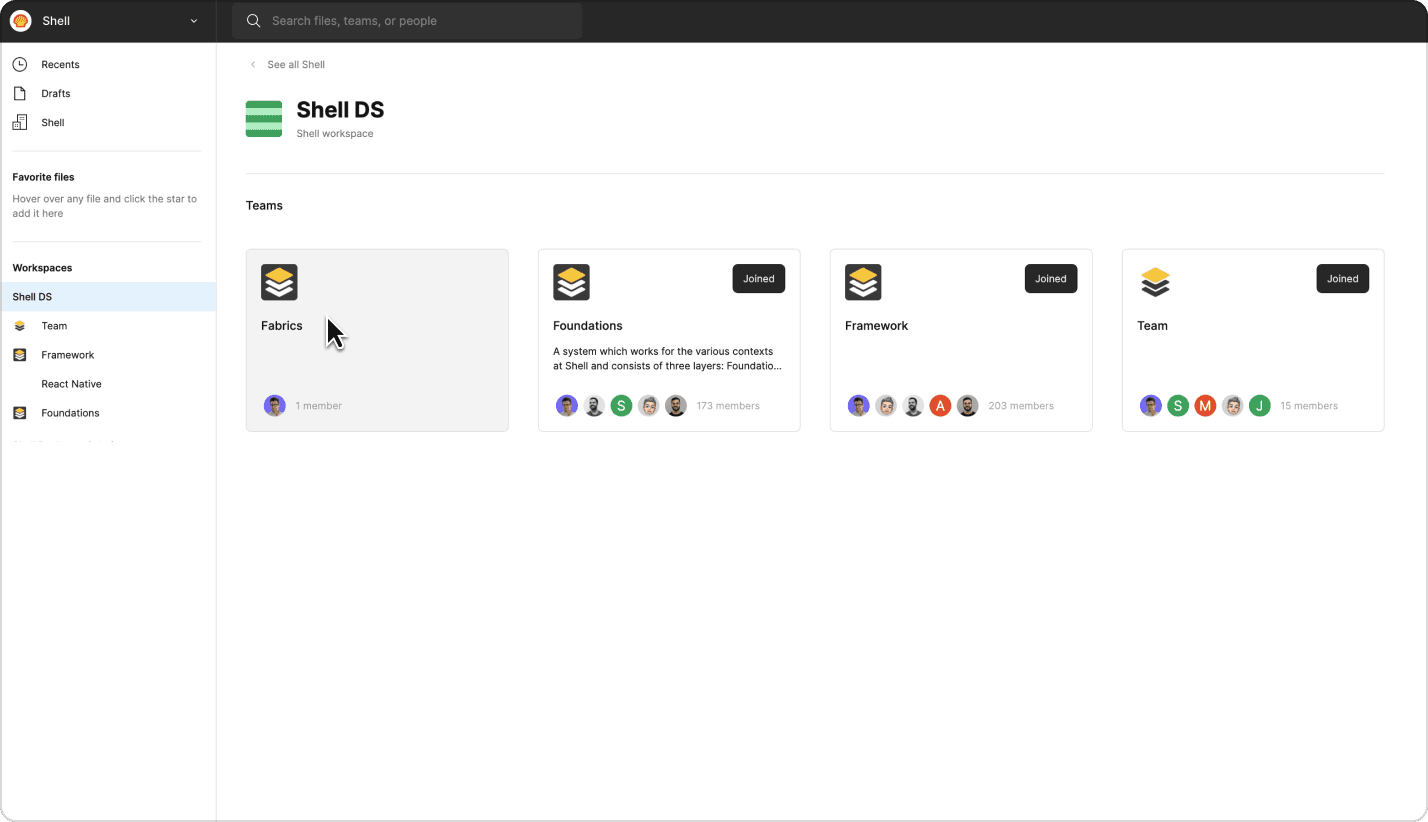
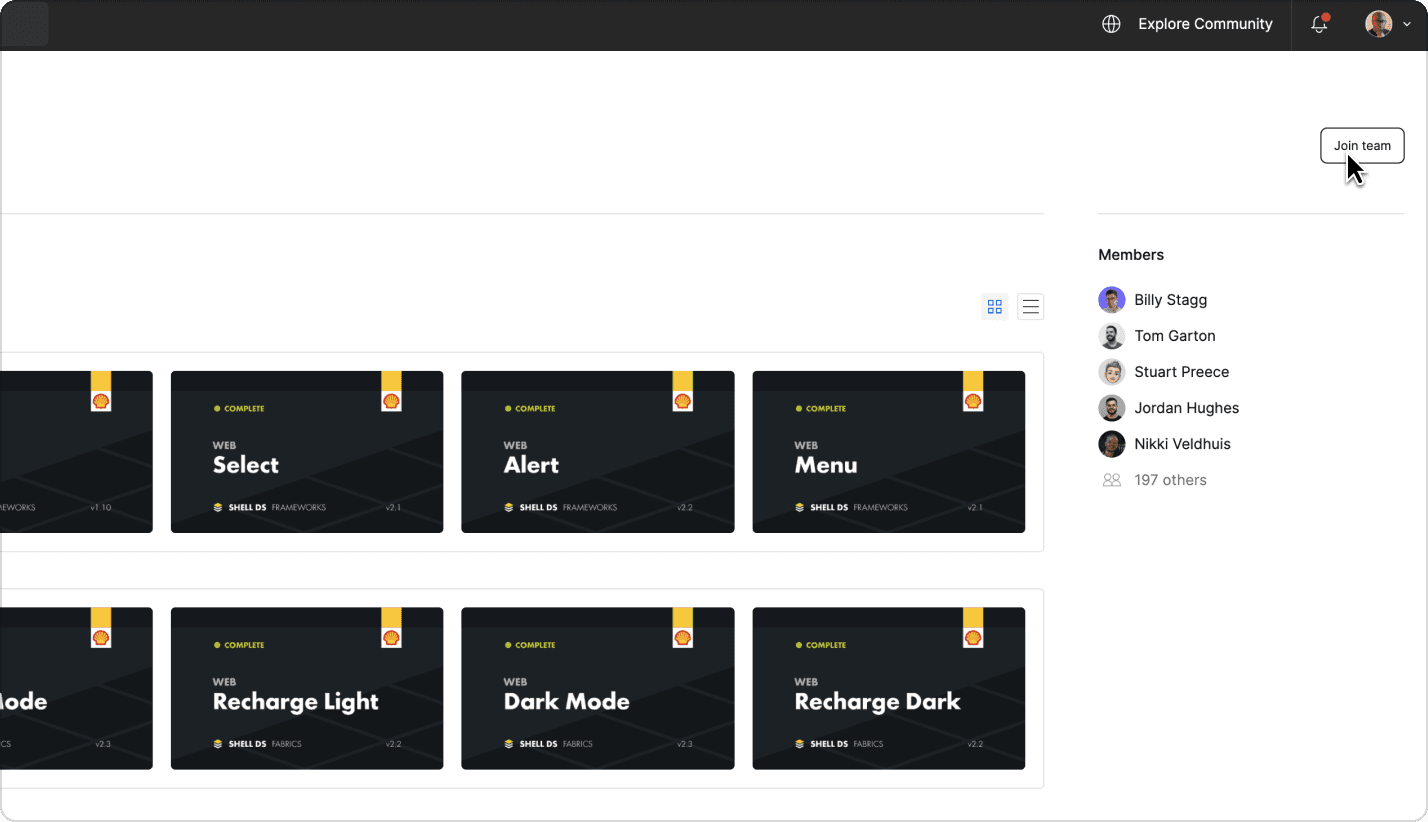
- Join the Fabrics, Frameworks and Foundations teams.
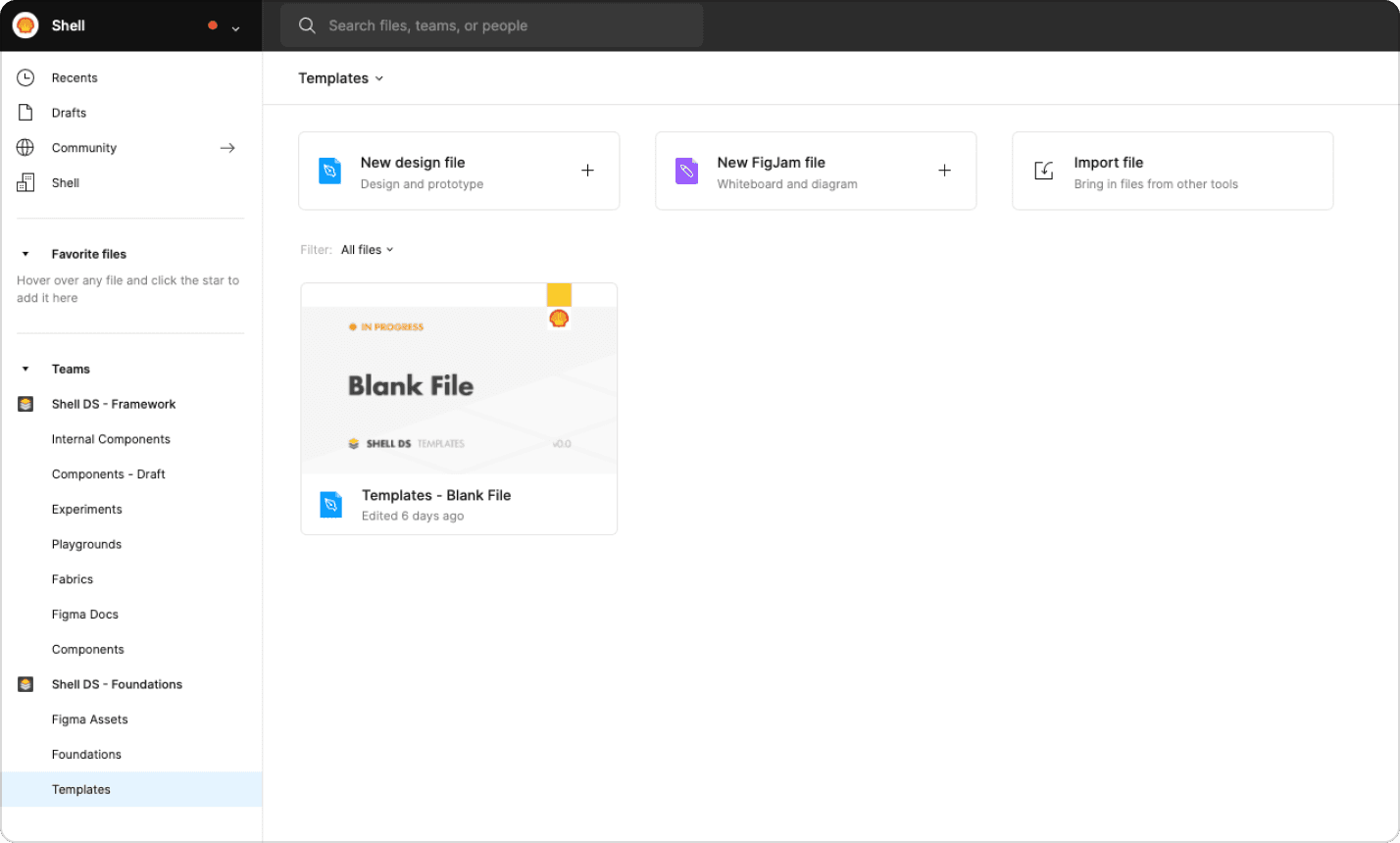
Duplicate a Acinguiux DS blank template
To get started from a blank template, duplicate our Acinguiux DS template which has all the base libraries linked. You can then move this into your team's project area in Figma.
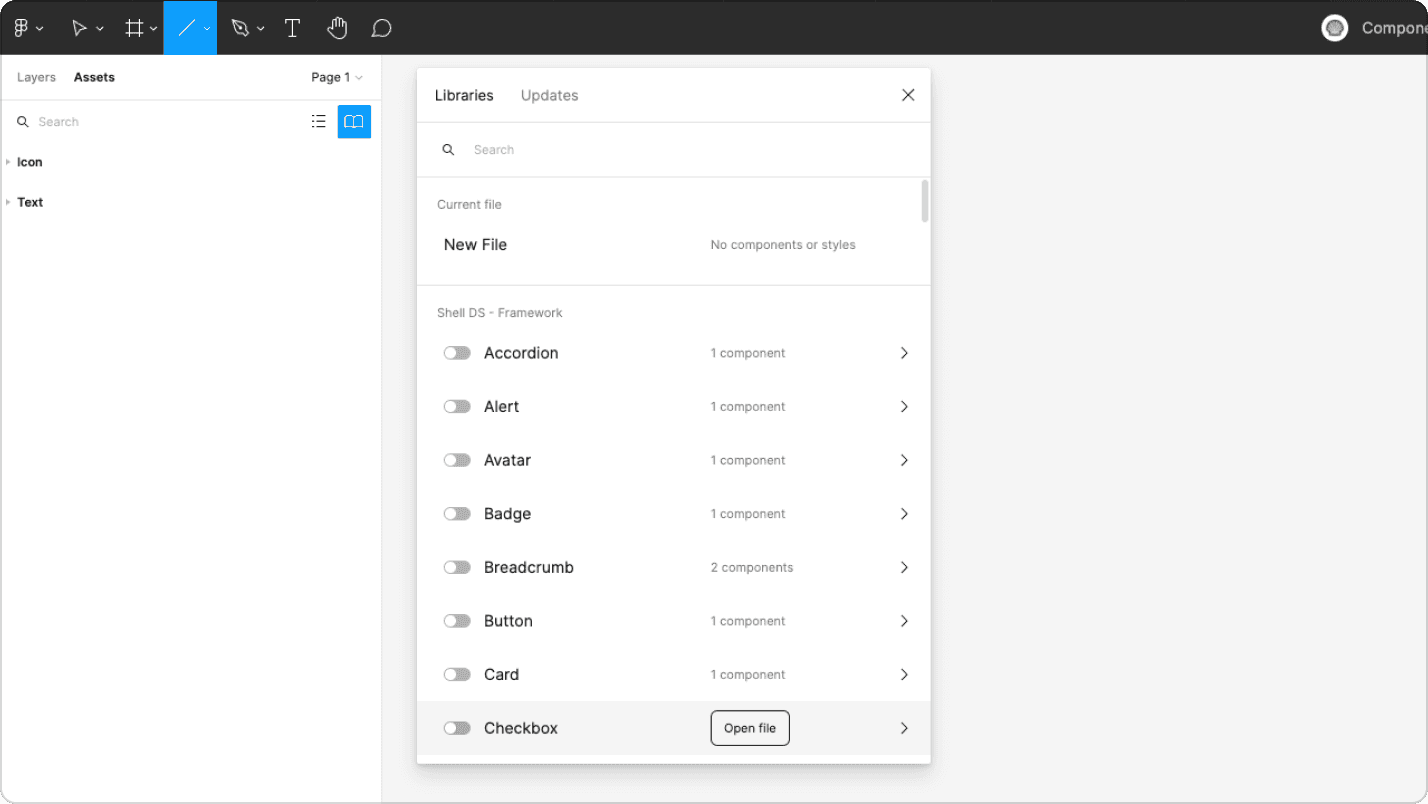
Connect to Acinguiux DS fabrics and components
Alternatively, if you’re working on a project you can enable libraries such as light mode, dark mode, typography, and add key component libraries such as text and icons.
Best Practices
Read our in-depth documentation on components and guidelines before getting started with your projects. Follow these instructions to streamline your workflow:
Do
- Use appropriate component variants.
- Use an instance swap where possible.
- Before creating a new icon, component or design pattern, please check the community contributions.
- Use the Themer plugin to swap Fabrics.
Don’t
- Detach components.
- Manually override component properties.
- Avoid using non-fabric colours.